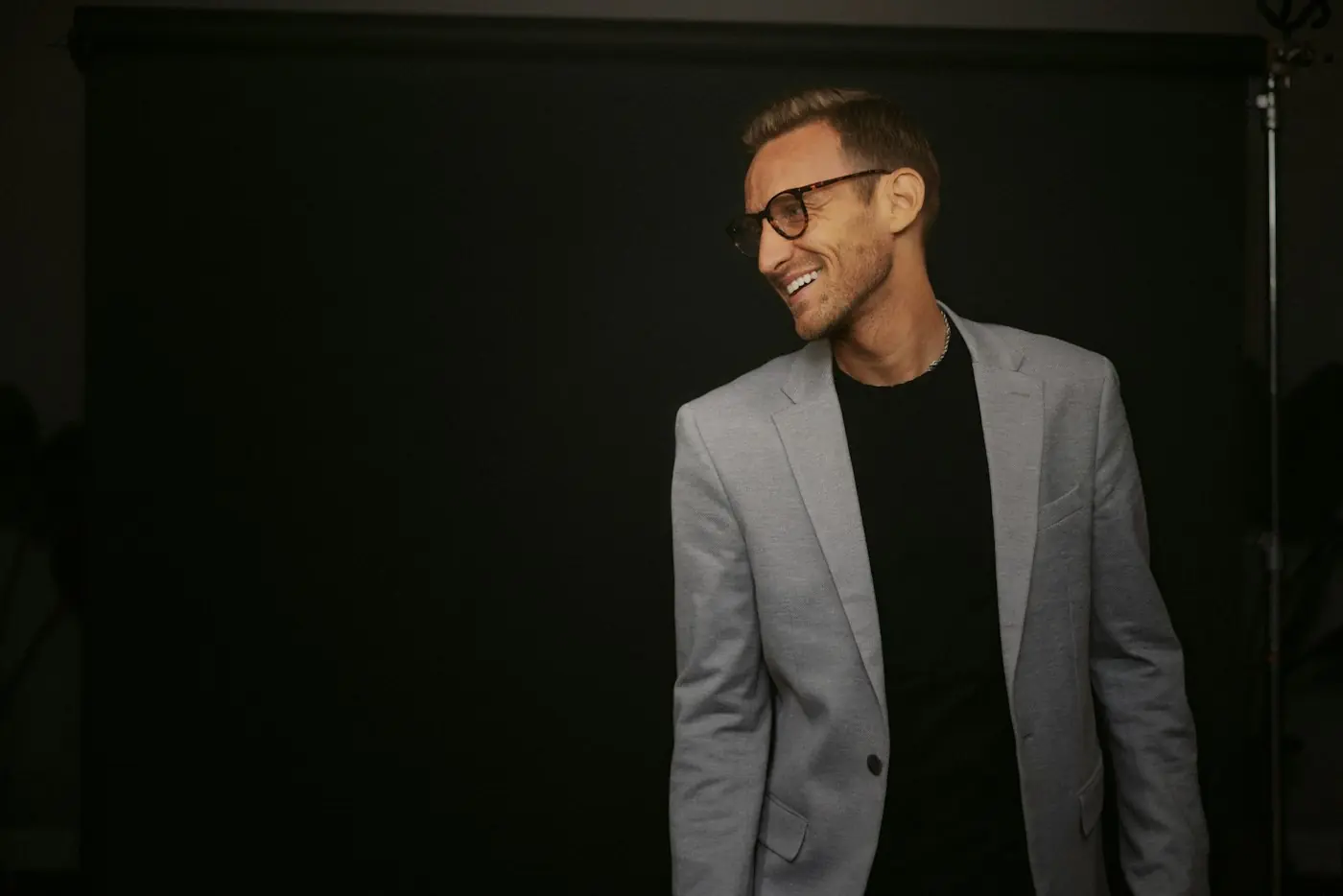
A LinkedIn headshot does not require a professional photographer
A friend with a camera or cellphone can often take a photo that is just as good as a professional one [1]. What matters is the result. Your photo should be high quality, look approachable, and show attire that fits your industry [1].
The photo matters because employers look at your online profiles. Your profiles should show a positive image that reflects your career values [3]. A professional and approachable image builds trust and credibility with recruiters and others who view your profile [2].
Framing and quality decide whether a LinkedIn photo looks professional
- Use a recent photo, taken within the last 3 years [1].
- Shoot straight on, from your shoulders up, with your face filling 60% of the frame [1].
- Keep your face clearly visible and centered [2].
- The standard headshot size is 400x400 pixels and no more than 8 MB [1].
One career center puts the framing slightly differently, advising a picture from the chest up [1]. Either way, the focus stays on your face.
Soft light and a plain background keep attention on your face
Aim for soft, natural light that does not cast shadows across your face [1]. One career guide also recommends clear lighting and a clean background [2].
Business attire and a relaxed smile make a LinkedIn photo approachable
Dress as you would for a job interview [1]. Business attire or business casual both work [2]. Some fields have their own clothing, such as a white coat [1].
Choose tailored, well-fitting clothes. Skip heavy accessories and anything that pulls focus away from your face [1].
Try to look relaxed and comfortable, and smile genuinely [1][2]. Practicing in a mirror beforehand can help you find your best poses [1].
If your photo will be taken from the chest up, you may only need to dress well from the waist up. One university career center suggests bringing a change of clothes [3].
Common mistakes make a LinkedIn photo look less professional
| Mistake | Better choice |
|---|---|
| Selfie or filter [1] | Have someone else take a straight-on photo with no filters [1] |
| Cropping yourself out of a group picture [1] | Use a photo that features only you [1] |
| Harsh light or shadows on your face [1] | Soft, natural light [1] |
| Cluttered background [1] | A simple background [1] |
| Busy accessories or clothing [1] | Well-fitting attire that keeps focus on your face [1] |
Career centers offer help with LinkedIn headshots and profiles
Some university career centers run a headshot studio. At one, students, faculty, and staff can adjust the lighting, take as many photos as they like, edit the chosen portrait, and send it to themselves wirelessly [3]. Backgrounds and a mirror are provided [3].
Other career centers invite you to email or make an appointment to learn more [1]. Peer career specialists at one center can help you create or improve your LinkedIn profile [3].
Once the photo is ready, finish the rest of the profile. Career advisers suggest a clear headline, a strong about section, and a custom URL that uses your full name [3]. Keep details current, because employers will look at your profile [3].
JA Headshots offers LinkedIn headshots in Fort Myers with guided studio sessions and professional retouching.
Sources
- Professional Headshots, mcphs.edu
- Professional Photo & Headshot Guide Photos for LinkedIn Profiles and Personal Websites, epics.soc.northwestern.edu
- LinkedIn & Headshots, career.missouri.edu